How to Add Your Profile Photo
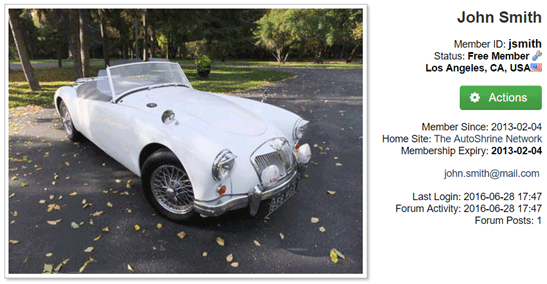
Your profile photo is displayed on your Home Page, at the top of your Forum posts, and on the Member Map.
To Add a Photo to Your Profile
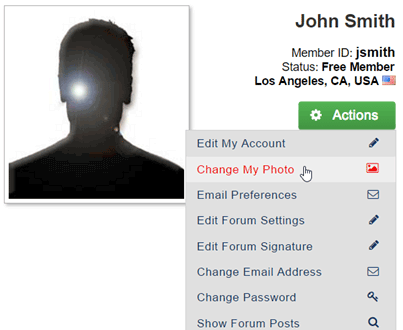
- Go to My Home Page
- Click the Actions button to display a drop-down menu
- Choose Change My Photo
- Select your image by:
- Dragging and dropping an image file into the shaded area within the dashed box or
- Clicking on the text (as shown) to browse and select an image file on your computer
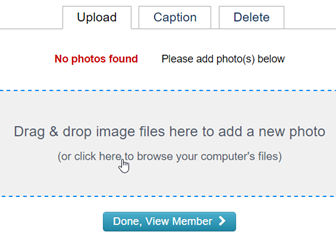
- When the thumbnail of your image appears with a green check mark, click the Done, View Member button
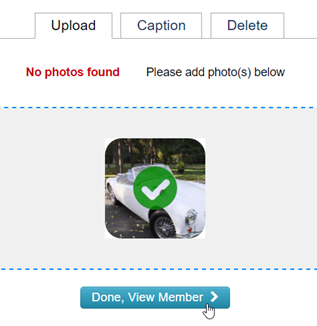
- Your new profile photo appears on your home page